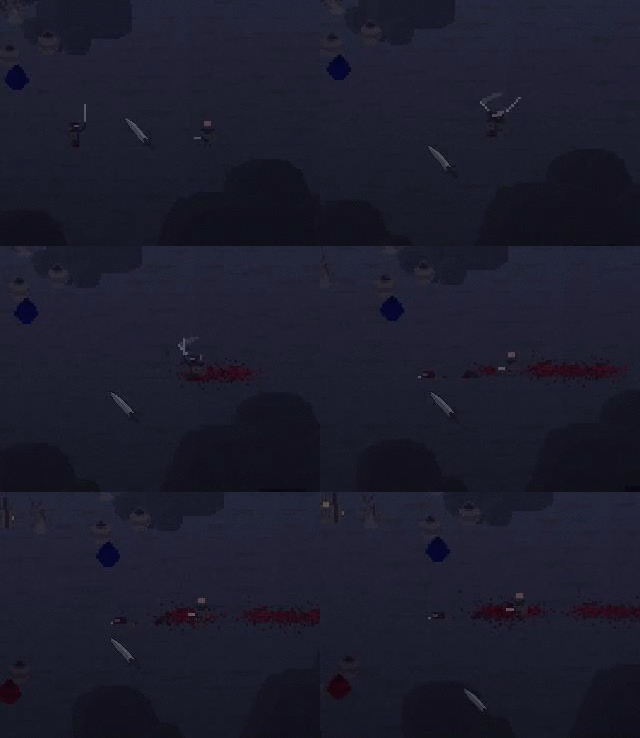
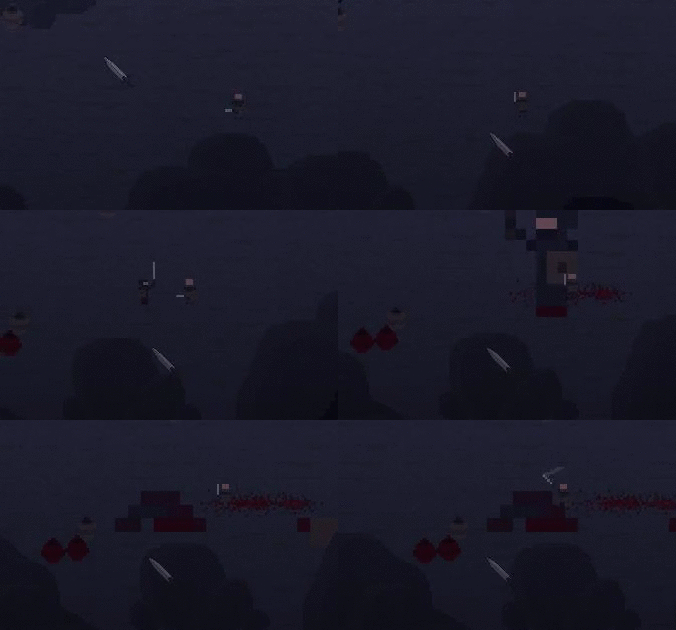
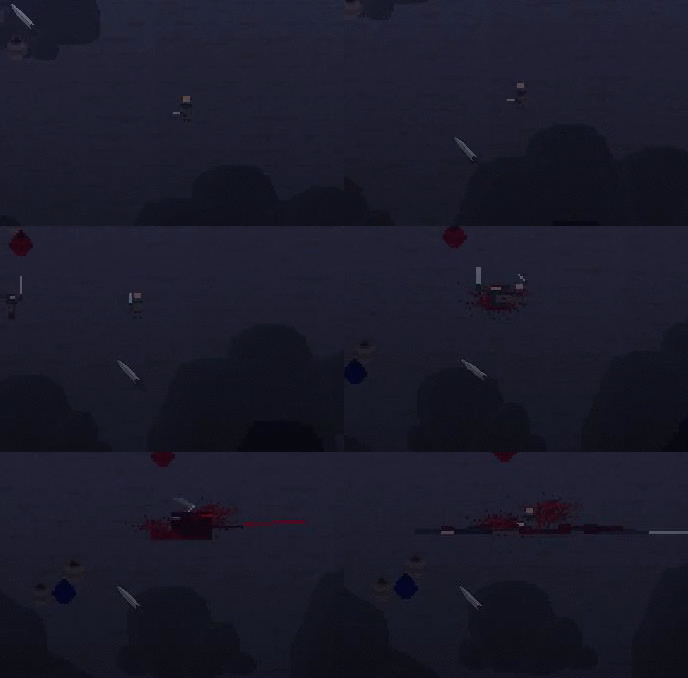
Wednesday, 27 April 2016

Class 42 - Looking Into Unity

Post 125

Looking Into Unity

So today I want to research new idea's for something I can make on Game Maker to just further my understanding of making games in general. Not exactly sure if this means I am going to make a entire new game once again and call it "Learning". Or if it means I will just play around inside Game Maker making small stuff expanding my knowledge of the coding language, and of course what makes a game, a game.

So basically what I am doing is just spending my time looking at the Unity website skimming through the tutorials to see if any of them spark my interest. Currently i'm still uncertain about the whole switch to unity thing, but I want to learn more about it and what games run off of it and how good of a program it really is. So far it seems pretty decent and not too complicated, but don't get me wrong, it looks complicated and will require some serious learning.

I also did a little bit of research on what coding language to use within unity, and as far as I can tell the best one to use for beginners is JavaScript
Next class I might look at some games already made by Unity just to see what it is capable of doing. And what exactly is possible when you add the 3rd dimension into game creating.

Unity Website

Monday, 25 April 2016

Class 41 - My Development

Post 124

My Development

So this blog is going to be somewhat of a report on what I have done so far and where I am right now. As of yesterday I have made the bare bones of a game demo, it has music, sound, gameplay, and a very basic boring AI. This is somewhat what I intended to do. But I feel like I have reached a wall with the development of my game because i'm not exactly sure where to take it. Now i'm not saying I don't like my project, I just feel like its potential is very limited. But honestly I still can't precisely pin point where or why I am feeling this restriction with the project. This doesn't mean I don't want to finish the project though, I just feel like I don't have the required skills I need to finish it to my standard of liking. Now looking a this you can obviously see I have a bit of problem now. Because one side of me wants to finish the game and continue to work on it.
The other side wants me to stop and learn more about coding in GameMaker so I can make a game worth making.
So now I have to decide where I want go with my independent studies. And i'm not exactly sure where I would start to find things to do. But maybe I will look into doing stuff with Unity. After all this class is all about learning new things, and I don't have a single clue how to work with unity. Or how to create animated 3D models.
So I am going to use the rest of my time in class to think about where I want to go with things.
However there is only a couple more classes of this month so I wont change what i'm doing too much until the start of next month.


Friday, 22 April 2016

Class 40 - Recording Sounds

Post 123

Recording Sounds

So today I am going to talk more about the sound effects I have made for my game. Currently there are around 10 sound effects in my game. Keep in mind this number is 100% an estimation, and I am not exactly sure how many sounds I have made exactly. This is partly because I never really counted them.

So currently I am recording all my sound effects at home on my headset.

Steel Series
Siberia V3 Prism

This headset is okay and serves the purposes I require it for. But like all other headsets it claims to have a crystal clear mic, which it doesn't really have. But that is partly because my bed room isn't very sound friendly. So I record off that tiny little retractable crap mic. But its not the end of the world because most of the sound effects I make go through a intensive audio editing process. Where I fiddle with them until they sound really good.
The program I am using for sound editing is a free software off the internet. Which is obviously not ideal, but dropping one hundred something dollars on a sound editing software doesn't sound that appealing to me. So Audacity is the program I am using for now.
The program is fairly easy to learn and basically just lets me hit a big red button to start recording. Then I take the sound and mess with pitch, speed, echo, and bass. And add the occasional additional reverberation making it sound better.
So to give somewhat of a demonstration I will take a hunk of metal and slide it against some more metal (my bed frame) and turn that sound into a foreboding transition sound.

Boring Original Sound

After Audacity Tweaks

Not exactly sure what I will do next class. But it might have something to do with my sound design or physical concept art I have been working on.

Thursday, 21 April 2016

Class 39 - Making Sound Effects

Post 122

Making Sound Effects

Today I will be working on in-game sound effects. So currently my game only has a few sound effects, which makes it feel very strange when your playing and you don't hear anything. Sound in video games helps put the player in the world, its a form of immersion that is required to make a game feel good. It assists in making the world feel real as well.

So I will attempt to make some sort of bloody hit sound for when a enemy is attacked. Now obviously I cant get a sword and slash someone open and record the sound they made, because that wouldn't be ethical... Stupid laws. Anyhow I had to get a little creative with how I could make a sound similar to that of a slushy bloody gore sound, so I grabbed a metal bowl from my kitchen, then I got a rag and dampened it. I then sat down in front of my computer with a wet rag.
(And bowl on my lap to stop the water from going all over me)

And your probably thinking, Hmm this doesn't seem like a good idea
(Having a bunch of water next to your computer for splashing)
Well you would be surprised to find out you are 100% right... The recording software turns on and I give the rag a squeeze successfully making a nice wet spray sound, but one problem. It wasn't loud enough.
(Don't worry you're still right)
 So with out thinking I grabbed the rag tighter and in one giant squish water sprayed out in every direction. My computer screen was instantly covered in a layer of water.
My computer was unharmed. I just wiped it down. Anyhow the sound came out pretty good and it is the one I will use.
Tomorrow I will probably talk more about how I made my sound effects. And of course what program I used to fine tune them and make them sound more, "Soundy"?

Click For Sound Effect
SOUND

Side note. When I was looking for a picture of someone squeezing water out of a rag, all I could find were images with blatant watermarks across the them. Its as if they thought someone is going to try and steal credit to a picture of hands squeezing a wet rag.

Wednesday, 20 April 2016

Class 38 - Finishing Impacts

Post 121

Finishing Impacts

Today I am going to try to fix the scale up on the enemies. So basically what I am going to do is quite simple, I plan on taking the code that makes the enemy flash red and then return to its normal colour also change the size of the enemy. I'm not exactly sure why I completely over looked this last time. But I already made a code that activates something for a second or two after the hit has been detected. So I am under the impression all I will have to do is insert a bit of code into two different places. One being where the enemy is set to red , and the other being when the enemy is set back to its default colour.


For the sake of the blog I exaggerated the size increase from a 1.1 to a 1.5. Which doesn't look or sound like a big difference but in fact is very, very different. The reason I did this is because the GIF's quality is not the finest and it would make it significantly harder to notice the change if left at the default amount.
Next class I will work on creating more sound effects for my game. And of course finally putting them in the form of a link so you readers can hear them.

Tuesday, 19 April 2016

Class 37 - Working On Impacts

Post 120

Working On Impacts

Today I started to work on giving the player more impact when they attack an enemy. So to do this I will try to make the enemy you are hitting increase in size then shrink back to its original. Now this comes with its problems as simple as it sounds. The first iteration looked something like this.

Currently i'm using a simple "image_xscale" and "image_yscale" code to increase the size of the sprite. This will work if I can just get it to size up a little bit then return to its original size.
Now this GIF is not what I wanted at all. Basically my code is completely broken in every respect.
I am quite certain I can figure out But you are supposed to learn from your mistakes. So I will continue on it until I get it to work.

Once again after some changes, it still is broken. Sadly the end of class is near and I must move onto the next post. So next class I will work on fixing this monstrosity. I should be able to make it work successfully next class. I think i'm pretty close to figuring out my problem. Sadly this problem seems to be really stupid and is probably just a typo, like having a "+=" instead of just a "=" sign.

Friday, 15 April 2016

Class 36 - Planning Impacts

Post 119

Planning Impacts
So today I decided to make the combat feel better, I thought about ways I could do this for awhile just by trying to brainstorm everything in my head. This sadly took up more time then it should have. But I decided I want to have some sort of knock back for when the player hits an enemy. But just adding that wouldn't be enough to change the whole feel of the combat. So I also thought about another way to make the combat feel responsive and good. I could do this by adding more frames in the actual animation. Another idea I have is by making the image of the enemy scale up for a few seconds then scale back to the original. This sounds sort of strange, but I think it should give this slight feel to the swings creating a better experience for the player. Tomorrow I will attempt to implement all this into a working fashion in the game.