Tuesday, 31 May 2016

Class 66 - Oh Hey It Works... Never Mind.

Post 148

Oh Hey It Works... Never mind. 

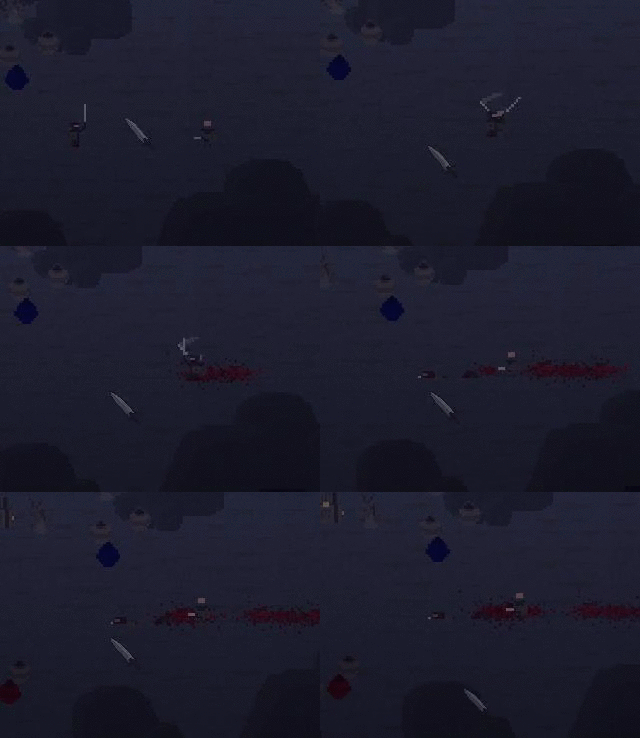
So today I wanted to make the dodge roll effect the damage the player takes. The red text below shows what I had to make this possible. Clearly this wasn't that hard, thanks to my amazing organization of code. Another thing to note about this is its another simple use for my "dodging" variable.

if dodging = false
{

if (obj_player.blocking = false) and !(obj_player.armour > 0)
{
audio_play_sound(sou_player_attack_hit,1,false)
instance_create(x,y,obj_blood_1)
instance_destroy();
}

if (obj_player.blocking = false) and (obj_player.armour > 0)
{
audio_play_sound(sou_metal_clash,1,false)
    audio_sound_pitch(sou_metal_clash,random_range(0.8,1))
instance_create(x,y,obj_blood_1)
instance_destroy();
}

if (obj_player.blocking = true)
{
audio_play_sound(sou_player_shield_thud,1,false)
instance_destroy();
}

}

So the result of this code was little bit unexpected. Currently if you are dodging and are hit by an enemy the game will crash. This is probably just and easy fix and instead of having "if dodging = false" inside the hitbox object, I need it inside the player object. It completely slipped my mind that the process of being hit is actually inside the player object, and that this object only tells the player when to be hit so to speak. So the damage doesn't actually occur in the code above. Which I would have noticed if I read it first.
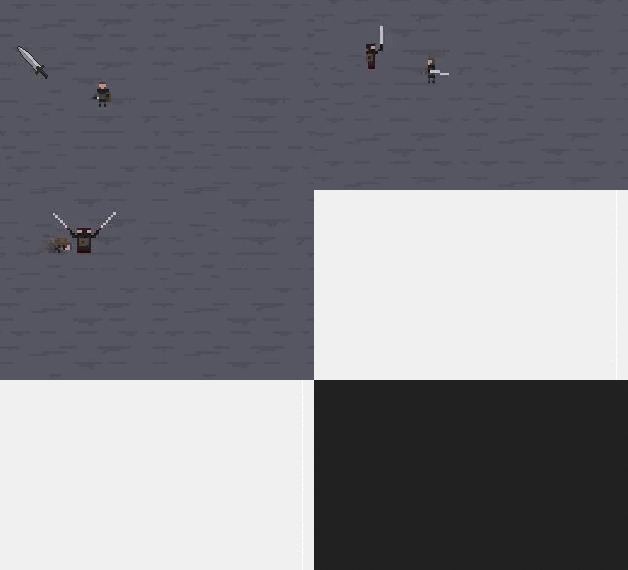

So now I have completely relocated the code into the correct section. As you can see below there is still blood being created, that is because the code that controls that is in the original place I put the code. So I will fix that. But the health is no longer effected when the player is rolling, sadly I didn't make my GIF big enough to show that, so your just going to have to trust me on this one.
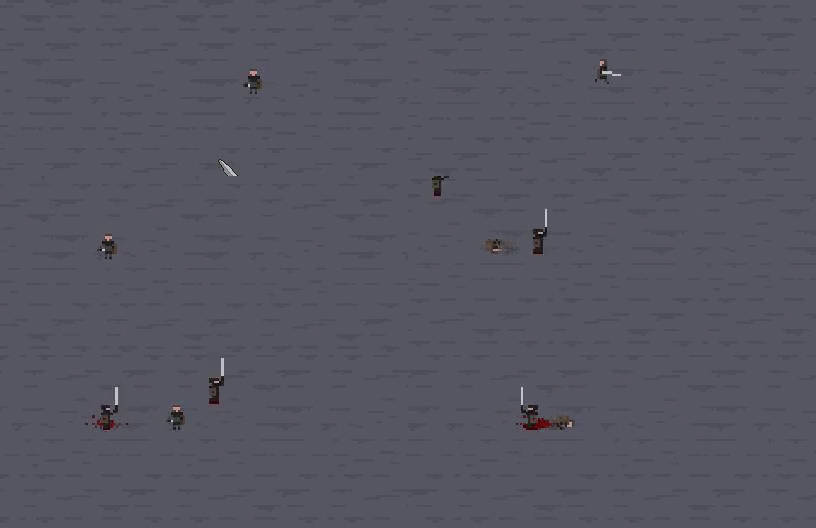

Below is the changed code, green text is footnotes within the code, red is the new code, and black is everything else.

///Damage Changes (Armour,Blocking)

// NO ARMOUR, NOT BLOCKING
if dodging = false
{

if (blocking = false) and (dodge = false) and (armour = 0)
{
player1health -= random_range(10,20)
alarm[1] = 3;
image_blend = c_red;
obj_room_view.ashake = 20;
random_bleed = (random_range(5,30))
bleeding = true;
}

//HAS ARMOUR
if (blocking = false) and (dodge = false) and (armour > 0)
{

armour -= random_range(10,30)
player1health -= random_range(1,5)
alarm[1] = 3;
image_blend = c_red;
obj_room_view.ashake = 5;
}

//IS BLOCKING HAS NO ARMOUR
if (blocking = true) and (dodge = false) and (armour = 0)
player1health -= random_range(1,5)
{
if (blocking = true) and (dodge = false)
{image_blend = c_red}
alarm[1] = 3;
obj_room_view.ashake = 5;
}
//IS BLOCKING HAS ARMOUR
if (blocking = true) and (dodge = false) and (armour >0)
player1health -= random_range(1,1)
{
if (blocking = true) and (dodge = false)
{image_blend = c_red}
alarm[1] = 3;
obj_room_view.ashake = 5;
}

}

Tomorrow I will fix the blood appearing when the player isn't actually taking damage, and I will also attempt to make a cool-down for the dodge roll. 

Monday, 30 May 2016

Class 65 - Hard Choices

Post 147

Hard Choices 

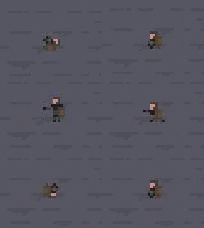
So today's class I decided to plan out what I want to do with the dodge roll. I also tweaked some numbers with the roll making its a little faster, this helps it feel better and makes it more useful. So after some thinking I think I want to take my dodge roll in the direction of making you immune to damage when rolling. The problem with making the roll do this lies within the balancing of the game. Obviously I don't want it to be possible to roll back and forth forever never taking damage. So to combat this issue I will need to have a cool-down on the roll so the player can't spam roll all over the place invulnerable to damage. Another feature that might be interesting along with the cool-down, is when the player is recently hit (without blocking) the cool-down of the roll increases, this would reward good players who utilize the dodge and roll mechanic properly. And make the game harder and more punishing for novice players.
Along with this I would like to mention my thoughts on the art direction of my game.
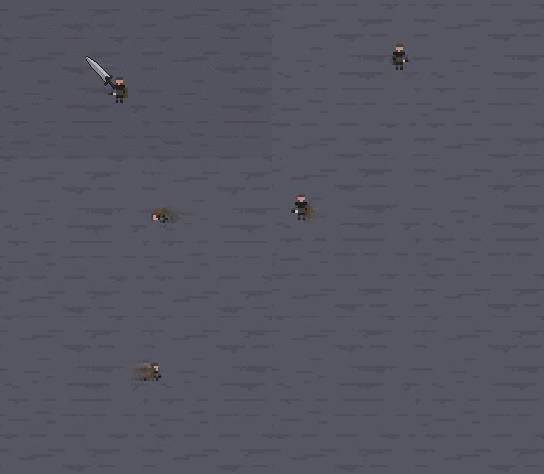
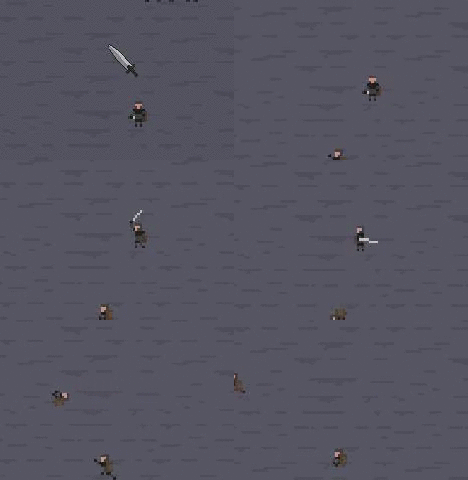
Currently my game is a cross between 2D and Isometric as shown below.

Sadly I have grown to dislike this style, as it can be very limiting.
Originally my game was meant to be played without up down movement. This means the player would only move left to right. This would significantly change things if I moved back to that style. So now I am left with the choice of going back to a 2D side scroller. Or going full blown Isometric.

These are some choices I will be making in the near future, as for next class you can expect me to work on the dodge roll making the player immune to damage.

Saturday, 28 May 2016

Class 64 - Dodge Effects

Post 146

Dodge Effects

So today I fixed a lot of the problems with the dodge roll. The most important fix is stopping the character from rolling out of control without being able to stop. So to do this I set up an alarm that turns off the variable "dodging" after a certain amount of time. I don't intend to keep this alarm in the game forever, this is because you have a limited amount of alarms per object. So later I will need to replace it so it doesn't use up one of my alarms.

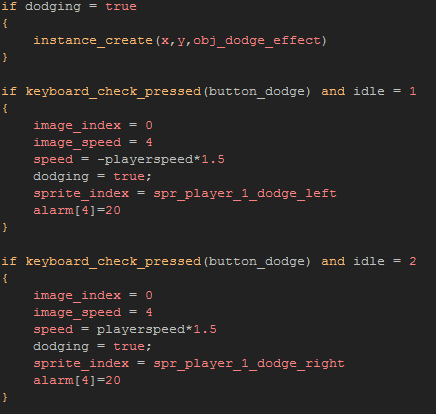
As you can see in the screenshot above I added in the "alarm[4]=20".

Another thing I added to the dodge roll was a effect to make it more obvious that your character is moving fast and is immune to damage. To do this I made another object that doesn't have a sprite. Then in the create code I have it set its "Sprite_index" and "image_index" to the players current sprite and image index. The next thing I did was make this object spawn every second the player is dodging. The last step was making the object slowly fade away and destroy itself.
The end result is below.
Next class I will work on improving the dodge mechanic and deciding whether or not it will make you immune to damage or reduce it.

Thursday, 26 May 2016

Class 63 - More Dodging

Post 145

More Dodging 

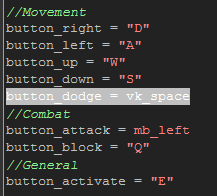
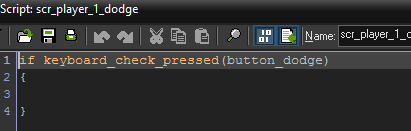
This class I am going to try and create a dodge roll for the player. My first step was adding the new control button inside my player controls. The reason I have this is in case I feel the need to change the controls for my game. This allows me to go through at any point in time and change it to what I want.


My next step is actually creating the script page for the dodge.


My next step was throwing in some directional detection. Basically what that means is I used a old variable that I haven't needed for a long time. This Variable is called "Idle" it determines what direction my character is facing. I use it to change the sprite to the correct direction when the player is moving in said direction. Obviously this makes the game feel way better.
After doing some testing I realized this wont be good enough because the movement code is constantly messing with the sprite index of the player, this makes it impossible to change the sprite index. After a little bit of tweaking I added in a new variable called "dodging". What this new variable will do is make it when the player is dodging the movement code is irrelevant. This helps on a lot of levels because now the player cant change the direction of their dodge half way into their dodge. It also gives me a variable that I can use to alter the damage effects on a dodging player.
There are still some major issues with this mechanic currently. The biggest issue being once the "dodging" variable is set to true there is no way to have it reset. So basically in the current state once you dodge you get stuck in a endless loop of rolling away. But there is a good side to all this. It looks cool.

Also after seeing what the dodge looks like on a moving character I think it should probably move a little bit faster.
Tomorrow I will further the code and possibly make the dodge animation faster to match the speed.


Wednesday, 25 May 2016

Class 62 - Dodge Roll

Post 144

Dodge Roll

Today I want to animate a new move for the player, this is something I have talked about in the past. And it is most certainly something I wanted to add to the game for awhile now. Currently the only way to counter an enemy attack is to block or slide up and down and hope the AI misses (Which it does a lot). So I want to add a new and improved way to dodge. The roll.
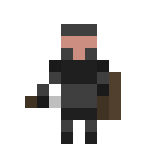
So to start off with any of my new animations I usually find my original idle sprite for reference. I do this because its very easy to become lost in what i'm doing and completely mess the animation up.

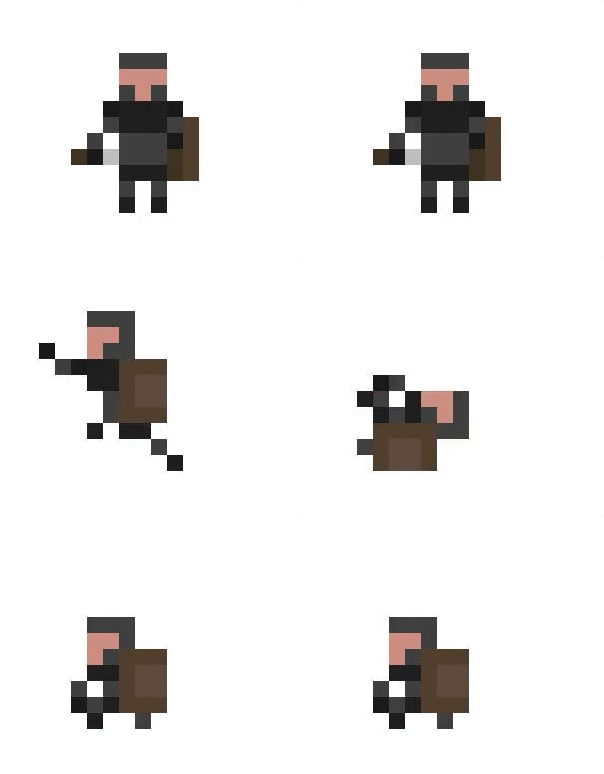
So the plan was to have the character leap forward a little bit and execute a fancy dodge roll. Obviously this can be challenging because my character is so small and showing rotational movement is difficult. However after some hard work I think I managed to make the dodge roll look pretty decent for a first pass.

Here is the slowed down version to show off each image a little better.

Here is what the dodge should look like in game. Next class I will begin actually implementing the mechanics behind the dodge roll.


Tuesday, 24 May 2016

Class 61 - Refinement

Post 143

Refinement 

So looking back I decided that I don't actually like the animation for picking up the health potion. I'm not exactly sure what I don't like about it. But it just doesn't feel right to me. So my plan today is to change it up a little bit.


So I decided to take out the little red pixel in the pickup animation. This means I can use the animation for other pickups in the future as well. The direction I decided to go with this new animation was a little more arcade like then the rest of my game, but I think it visualizes what your doing effectively. It also is a few frames longer then the original so it feels more impact-full. Changing the length of the animation required some minor code changes, like changing a few numbers to match the new frame count. In the end the result is much better then the original.


Friday, 20 May 2016

Class 60 - It Works

Post 142 

It Works

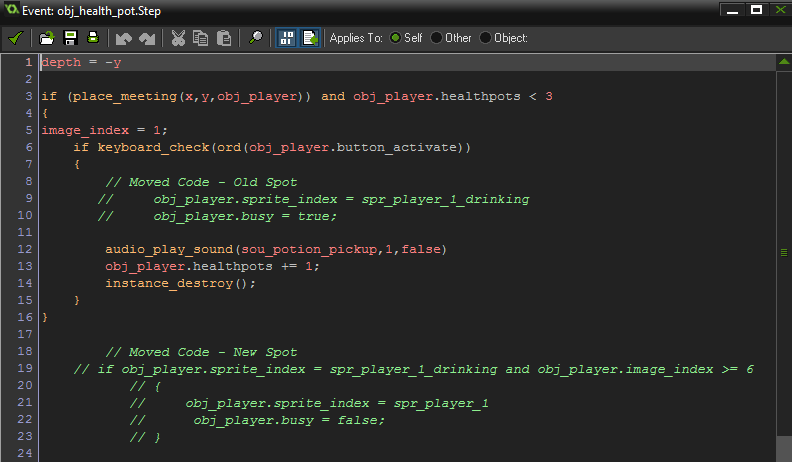
Today I wanted to fix the code from my last post, the code isn't necessarily broken, its just located in the wrong spot. So my plan today is to relocate the code from the health potion into the player object.


So all the code in the picture above that starts with a "//" has been moved into the player object. This should actually allow the code to work properly. Now when the player picks up the last health potion located in the room they wont get stuck in a never ending loop of picking up the potion.


Next class I will continue to improve my games mechanics.