Thursday, 31 March 2016

Class 25 - Level Up and Gore

Post 108

Level Up
So today I started to implement the experience system. My basic plan for how to create it is pretty simple. All it should require is a couple new variables.
Experience ("exp") and Player level ("playerlvl")
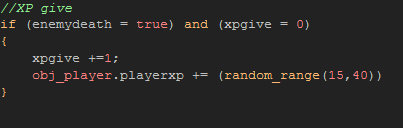

I ended up needing to use another variable. This variable ("xpgive") asks the game if it has already given the player this experience. Without this the experience would constantly be applied to the player resulting in a completely broken mechanic.
So another thing I wanted to do for the implementation of exp is add a working level system.
The level system is mostly a visual thing currently. But it does increase your maximum health. In the future I would like to have it give you the option to increase a variety of stats. When you currently level up it shows a level up indicator above the player and plays a sound.
Level Up Sound

Gore
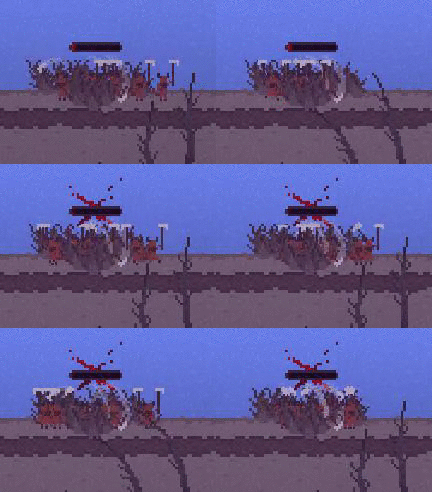
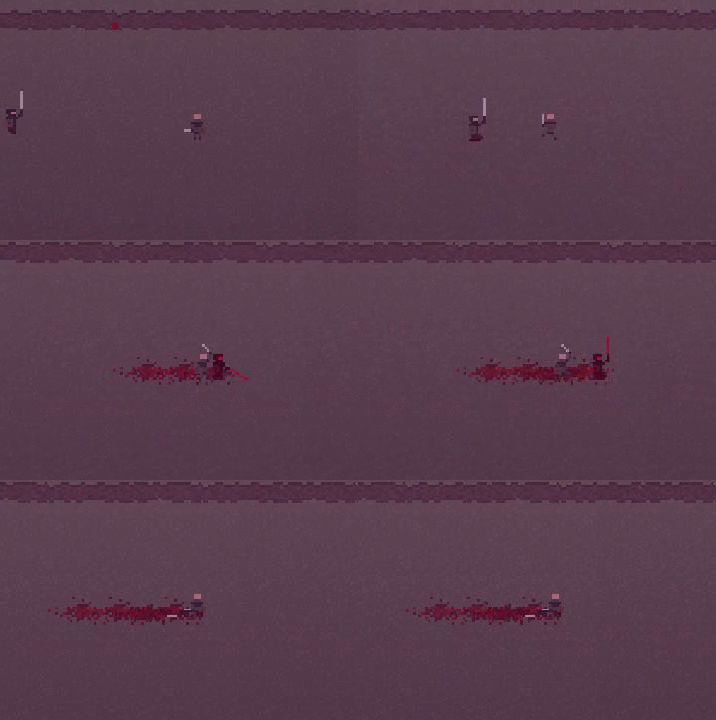
Before I show you what the leveling up looks like, I also created a blood effect. This was an interesting thing I learned on my own. Basically when the player or enemy is hit an object is created, the object then picks on of the 20 images inside its animation and stays on it. This makes a nice splat on the ground and doesn't just paste the same image over and over again.

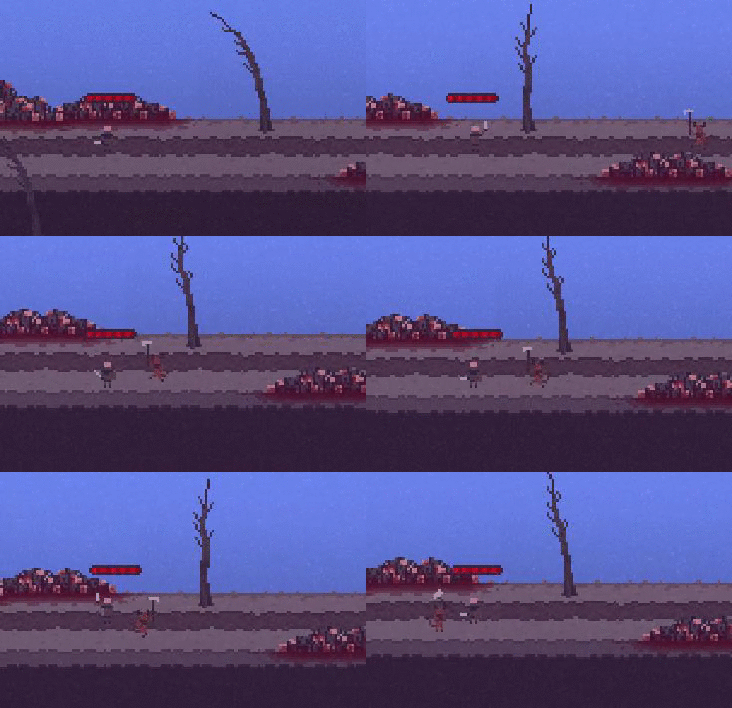
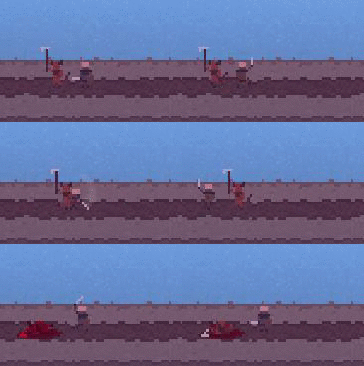
So here is a demonstration of the Blood and the Leveling up system together.
Tomorrow I am going to try to add something that heals the player, because currently they don't have any way to heal themselves.
Wednesday, 30 March 2016

Class 24 - User Interface


Post 107


User Interface
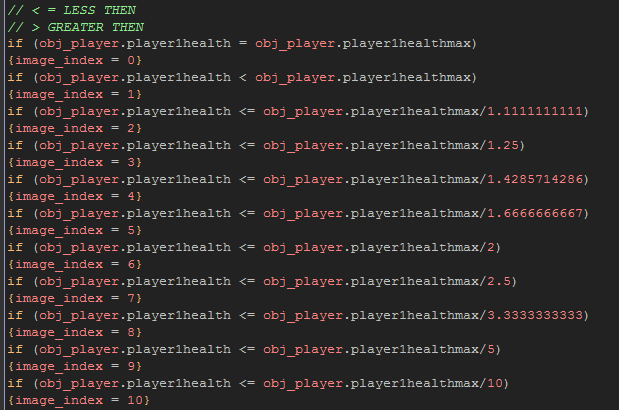
Today I decided to work on improving my UI (User Interface) for the game. The old version looked good but wasn't exactly what I wanted when it came to in-game positioning. It also required some code with lots of numbers to get some values right, this because the values need to adapt to the players current health, and max health. Regardless I ended up making of a version of this that works. But still didn't like it. 


So my next step in making my health bar was finding a way to make it mostly in code, turns out there is a specific GML function for health bars. So I decided to go down that route and use the Draw GUI function to create my Health bar.


This is currently what the health bar looks like, it has two bars, health, and experience. The grey border around the bars had to be sized pixel by pixel to get it to fit properly over top of the bars. Think of it like two pieces of a puzzle fit together to look like a whole picture.

Tomorrow I will attempt to make Experience and leveling up work in game and with the bars.

Friday, 11 March 2016

Class 23 - Blocking

Post 106


Blocking
Today all I managed to accomplish was a blocking mechanic that allows the player to successfully reduce the damage of incoming attacks.

Currently this reduces the damage from 10-30, to 5-10.
So the player still takes damage and can't just hide in a corner and never die. Right now the way the shield works is you press E and your character goes into a blocking mode for around 1.5 seconds. In this mode moving and attacking is impossible, making it strictly a defensive tactic.

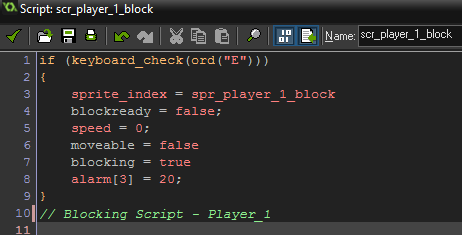
The script is fairly straight forward, however it required a lot of variables to make sure everything new how to behave when the player was actually blocking.
At first when I created the blocking state, if you happened to be moving well hitting the block button you would stumble into uncontrollable slide, so that is why I have added the (speed = 0;) section of the code. This makes it so when the player hits the block, they plant their feet and hold their ground, kind of like you would expect from someone using a shield.
Blocking however feels kind of clunky. This is because of the the 1.5 second duration it traps you in. So in the near future I would like to make it only block when you hold the block button.

Over this past week of working on my challenge game I have learned more about code then the entirety of my first course in InfoTech as an independent student.
Next class is a long ways off. So honestly i'm unsure of what I will actually do for my game. But I will maybe try to make more enemy variations as well as new ability's for the main character.

Future Enemy Types, List of Ideas 
1. Heavy Enemies. 
2. Ranged Enemies.
3. Some sort of Boss.
4. Faster Enemies.
5. Enemies That Can Block Attacks. 

Class 22 - Not very Stealthy

Post 105

 Post for March,10th not 11th 
(I started this post on the 10th)

Stealth
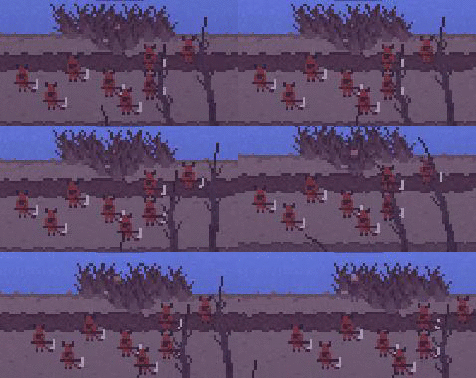
Today I started to make the stealth aspect of the game, this was simply made by having a detectable variable inside the enemy objects. So when the player is inside the bushes they are considered undetectable. It also reduces the players opacity making them slightly see through. This was added as a visual aspect to know when the detectable variable was working, and because it conveys the fact that the player is hiding.

The stealth worked perfectly right up until... well honestly I don't know when or how it got broken. But it did. This is what it should have been like.

And this is how it works now. As you can see using stealth in this exact same situation looks considerably different when the code is broken, I want to say it looks a lot less friendly. I plan on fixing this next class or at least attempting to locate the problem and fix it another class. Sadly I didn't get around to making a blocking system just yet. But tomorrow I will look into making a blocking mechanic.
And possibly figure out how to create some good sound effects for my game.


Wednesday, 9 March 2016

Class 21 - AI Improvements, and Music

Post 104

Soundtrack
So today I played around with FLstudio to create some atmospheric music for my game. Currently all the songs I have created are a work in progress. This is my first real attempt to make music. Hopefully its not that bad and can properly convey the atmosphere and tone for the game that I want.

1. This is the first rendition, I would highly recommend setting it to loop

2. This is a better take at trying to make a creepy soundtrack

3. This is a remade version of the Second Song for a more ambient approach, this currently is the version I am using in my game. 

AI Improvements 
After a great deal of time I finally managed to make the AI somewhat interesting. Currently the Enemy Object runs off two scripts, "Scr_ enemy_movement" and "Scr_enemy_attack". Both these scripts are called into the objects step event under certain circumstances. Like when the player is 100 pixels close to the object his movement script kicks in, if he is 10 pixels close, his attack scripts activates and he starts swinging.
Another thing I added to the scripts is a Detection Variable, this will allow me to make some pretty "sneaky" updates in the future. Which is something I will look into tomorrow for sure. 

Currently my plans for tomorrow are to add player death, possibly something to do with the detection variable and blocking.
Overall I learned how to do a lot today, this is currently the farthest I have ever been in code, and its getting really complicated... But I still somehow enjoy doing it. So that's good. I guess. 


Tuesday, 8 March 2016

Class 20 - Atmosphere and Combat

Post 103

Atmosphere & Combat
Today I worked on my game for Howie and I's competition. Currently I have managed to implement an attack for the player using an "Instance_create(x,y, obj_hitbox)" which just creates a little red circle that only exists for 1 frame, this object is what applies the damage to my enemies. Which are also working, to a degree. I am having a lot of problems when it comes to AI however. I have manged to get them to move towards the player, which is easy. But I have to get them to move towards the player in a way that makes them feel alive. Also I would like them to have a detection range, so I need to find a way to do that properly. I also have a working hit marker system. When the enemy is hit and takes damage they flash red, then return to their original colour, which is something I learned how to do today jsut by playing around with GML functions such as "Image_blend".
I also have added a great deal of sprites to the game.
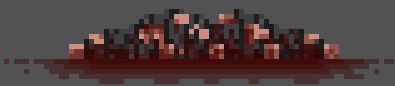
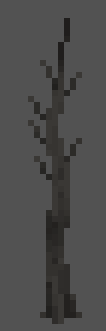
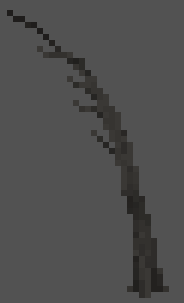
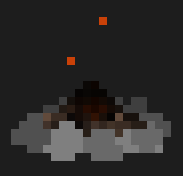
Here is a list of the current in game sprites.
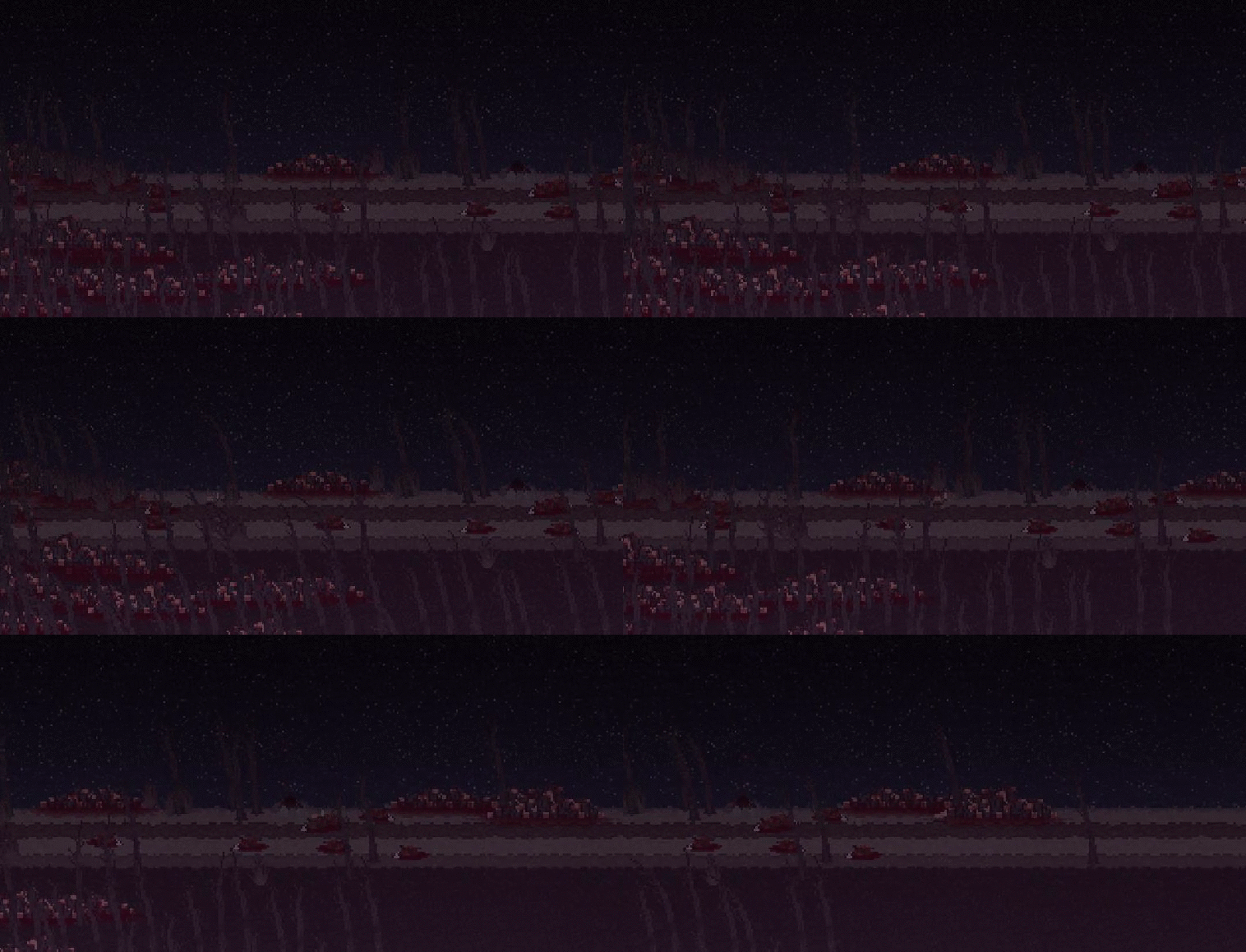
And two GIFs of the games current environment and atmosphere.
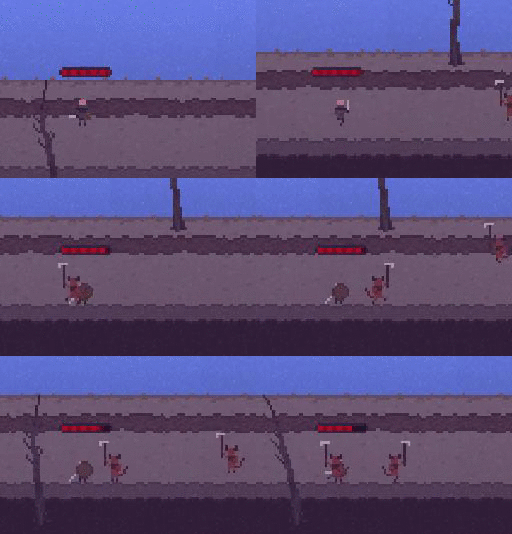
And One of the current Combat system, NOTE that the red circle is strictly visible for development reasons and can easily be turned invisible by a simple option in its object settings.
Currently I have a simple option to change the time of day by hitting "1" for day or "2" for night.
Combat

Atmosphere #1

Atmosphere #2

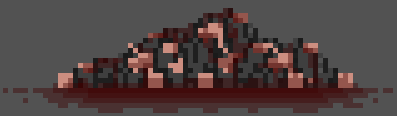
Large Pile Of Corpses

Small Pile Of Corpses

Dead Tree

Campfire

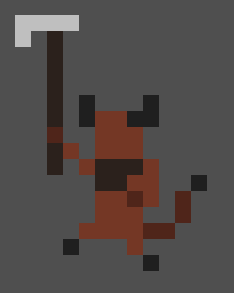
Imp Enemy

Class 19 - Challenge Accepted

Post 102

- This post is for Monday, March 7th.
(Forgot to hit publish, so the date is wrong)

Hack "N" Slash
I have started on multiple Game Maker Projects throughout my time in Info-tech, and it is probably extremely annoying to read that I am starting another one. But I have a valid reason to start another project. Howie has challenged me to a game off competition thing. Basically Howie and I will make a game within a specific time frame, probably around 1 week and then we will see who's game is better. The reason I started a new project, instead of working on an older project is because we need to start from scratch for our competition. Currently we have not officially started the timer for our competition because Howie is still having trouble finding inspiration for his game. Luckily I have not run into the same problem yet, and have a pretty decent direction to go.
The idea for my game contender is a semi-sidescrolling hack 'n' slash. Now what I mean by "Semi-sidescrolling" is that its mostly Xaxis movement, but has a touch of Yaxis movement. And of course "hack 'n' slash" means you run around and well... hack, and slash things, preferably enemies.
So far the game development has been going pretty well, now that I have all the coding knowledge from all my other previous projects I can move at a much faster pace. Not to mention my game is super tiny, and I don't mean its a game with hardly anything in it. I mean its super small, scale wise.


So far all there is to do in the game is move, Up, Down, Left, and Right. But tomorrow I will attempt to add enemies and attacks for the player.